BebeSnap Plan Guide: Baby Routine, Schedule, Widget, and Alerts

Manage Easier with BebeSnap
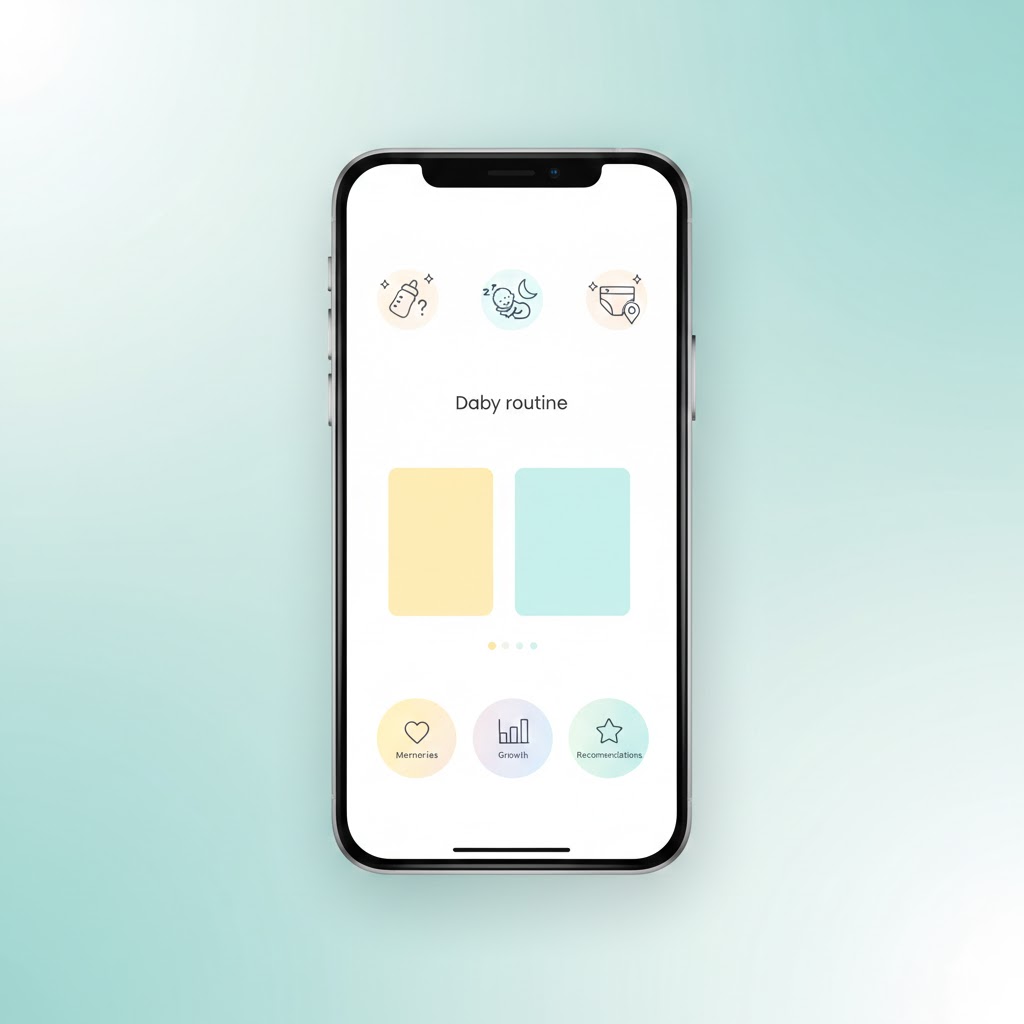
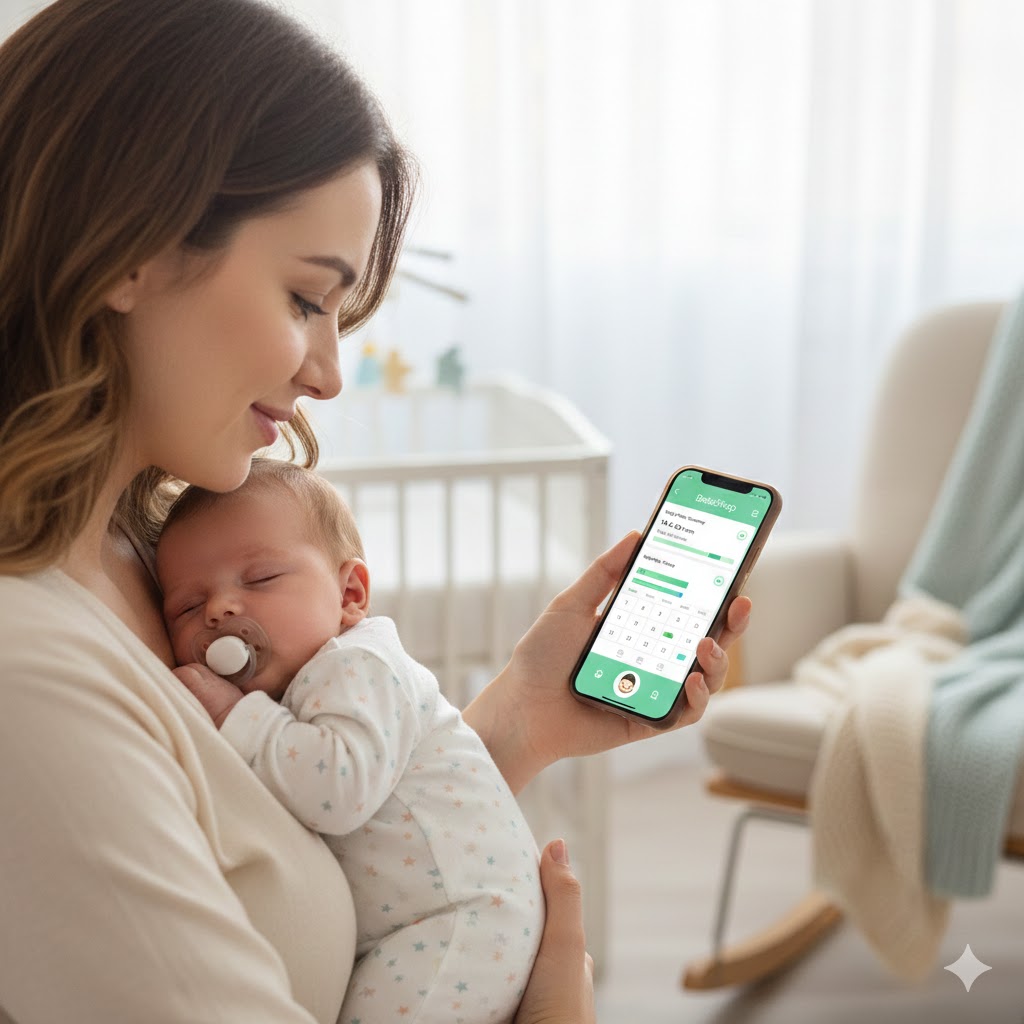
Get Started Free"Wait, when was the last feeding?" "Is it nap time yet?" If you find yourself opening and closing the app a dozen times a day just to check, you're not alone. The tricky part is that when your hands are full holding the baby, even pulling up the app to log something turns into a chore. BebeSnap's Plan feature was built to take that little hassle off your plate. You map out your baby's day ahead of time, then tap to handle things right from a notification or widget, and it saves to your parenting log automatically. Let's walk through how to use it, step by step, from the very beginning.
Why the Plan Feature Is Worth a Try
In the newborn days, time slips by in a blur, and it's so easy to lose track of when the next feeding or nap is. Just being able to see "what's next" at a glance makes things feel a lot calmer. And on the days when the routine falls apart, knowing the next task helps you get right back on track. Best of all, when you handle a task it builds your parenting log for you, so later, when you want to look back at your baby's sleep and feeding patterns, it's all there without any extra writing.
Three Things the Plan Feature Lets You Do
One, see your baby's whole day at a glance. You can view it daily, weekly, or monthly, so you can knock out today's tasks in the daily view and zoom out to your weekly routine or monthly pattern when you want the bigger picture.
Two, save routines that fit your family as templates. The AI can suggest a routine based on your existing logs, or you can build one yourself. Save a few for different situations, like outing days, weekends, or daycare days, and just pull up the right one when you need it.
Three, handle things from alerts and widgets, and the log saves itself. On iOS or Android, you can check the next task from a home-screen widget and tap complete or skip right from a notification or the widget. Completed key tasks get saved to your parenting log on their own, which cuts way down on missed entries.
How to Get Started
It can feel daunting to know where to begin, so here are just four steps to follow.
1. Check that the Plan tab shows up. If you don't see the Plan tab at the bottom of the screen, your app is probably out of date. Update it from the App Store or Play Store and reopen the app.
2. Create a template. Tap AI routine and it'll suggest one based on your existing feeding and sleep logs. If you already have your own family schedule in mind, the manual option lets you build it yourself.
3. Generate the next day's schedule. Just enter your baby's wake-up time, and the whole day's schedule fills in automatically.
4. Turn on alerts and the widget. With feeding, sleep, and schedule alerts switched on, you can handle tasks quickly even in those chaotic, hands-full moments, without staring at the app for long.
How to Read the Plan Screen
When you open the Plan screen, it starts on the daily view by default. From here, you can pick a date using the weekly strip up top, jump straight to today, or flip between previous and next weeks to see that day's schedule in detail.
If there's no schedule for the date you picked, don't worry, the app shows you the right thing for the situation. On today's date with a template, you'll see a start card. With no template, you'll get an AI-create option or a template list. On a past date, you'll see an empty-state message.
When you want the bigger picture, try the weekly and monthly tabs. The weekly tab reloads the data each time you change weeks, and in the monthly tab, tapping a date drops you right into that day's detail. In short, you take in the big picture with the monthly and weekly views, then breeze through today's tasks in the daily view.
Complete vs. Skip, and How Logs Get Saved
A task moves from pending to in progress to completed, or it gets marked as skipped. Nothing complicated.
Here's how you handle them. Tap the check (✓) button to complete, or press and hold that same button to skip. You can also skip using the button on the card, and on busy days, the "Complete All Today" button clears the remaining tasks all at once.
There's one important difference to know. When you mark a task complete, it finishes the task and saves to your parenting log at the same time. Skip, start, and cancel only change the status, with no log saved. So for the key tasks you track every day, like feeding and sleep, you'll really appreciate how the log builds itself when you mark them complete.
If the screen ever seems off, tap the refresh button up top to reload the data for the view you're on. Usually the screen updates on its own when something changes, so there's no need to fuss over it.
Set Alerts to Match Your Rhythm
You can fine-tune feeding and sleep alerts to fit your baby's rhythm. There are quick presets too. For the heads-up reminder, choose 1, 3, 5, or 10 minutes before, and for the overdue nudge that reminds you when you've forgotten, choose 5, 10, 15, or 30 minutes after.
If you'd like to dial it in more precisely, you can type in your own values too. Reminders can be set from 1 to 30 minutes, and overdue alerts from 5 to 60 minutes. To start, alerts on with a 5-minute reminder and a 15-minute overdue nudge works well for most people. And if you go outside the allowed range, a little message pops up to let you know, so feel free to experiment.
The Widget Is All About "What's Next"
The home-screen widget is built to help you quickly handle the next task at hand, rather than showing a long full-day list. So just from the widget, you can see when the next feeding and next nap are, how far along you are right now, and your progress for the day.
On top of that, you can refresh, complete, or skip right from the widget, so you can tap things one-handed without even opening the app. It works the same way on both iOS and Android, so use whichever you've got.
Frequently Asked Questions (FAQ)
Q: What should I do if I can't see the Plan tab?
A: In most cases, the Plan tab is missing because your app is out of date. Update it from the App Store or Play Store, then reopen the app and check the bottom of the screen again. Once the tab appears, you can create a template, enter your baby's wake-up time, and generate the day's schedule.
Q: Does processing from alerts really save logs?
A: Yes. When you mark a key task like feeding or sleep as complete by tapping the check button, it finishes the task and saves to your parenting log at the same time. Skip, start, and cancel only change the status without saving a log, so completing tasks is what reduces missed entries.
Q: Can I see all of the day's tasks in the widget?
A: The widget is optimized for checking the next task and quick actions rather than showing the full day's list. From the home screen, it shows when the next feeding and next nap are, your progress for the day, and lets you refresh, complete, or skip one-handed without opening the app, on both iOS and Android.
Q: What's the difference between complete and skip?
A: When you mark a task complete, it finishes the task and saves it to your parenting log at the same time. Skip only updates the task status, with no log saved, just like start and cancel. So for daily essentials like feeding and sleep, completing tasks is what builds your log automatically.
Download BebeSnap
Use baby schedule, routine, and log tracking in one app.
Related Articles
Manage Easier with BebeSnap
AI stool analysis, feeding & sleep tracking, and health reports in one app.
See what the app does firstYou Might Also Like
How to Use BebeSnap AI Stool Analysis: Stop Worrying About Baby Poop
Analyze your baby's poop with AI whenever you're worried. Learn how to use BebeSnap's AI stool analysis feature step by step.
How to Use BebeSnap Sleep Tracker: Track Your Baby's Sleep Pattern
Easily record naps and night sleep, analyze sleep patterns. See when baby slept through and total daily sleep at a glance! BebeSnap sleep tracker guide.

BebeSnap AI Skin Analysis: Baby Acne vs Eczema, Identify with One Photo
Can't tell if it's baby acne or eczema? Care differs for each condition. Analyze with one photo using AI.