How to Use BebeSnap Family Sharing: Co-Parenting Made Easy
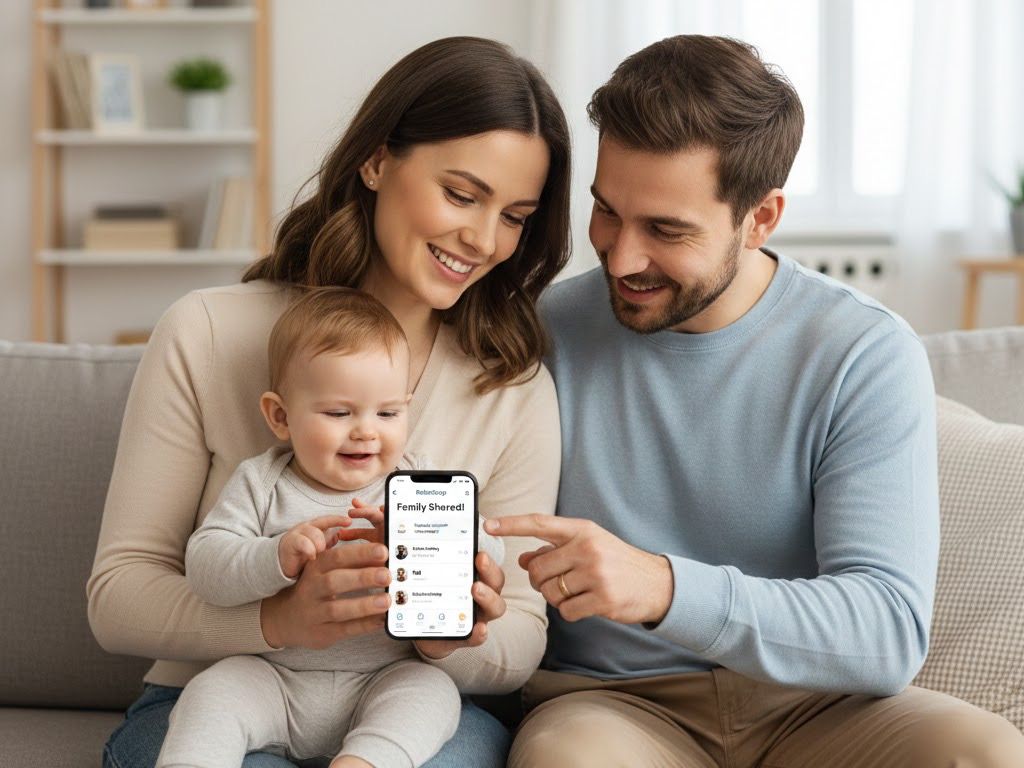
Manage Easier with BebeSnap
Get Started Free"When did the baby eat?", "What time was the nap?", "Does the diaper need changing?" Working couples, grandparents living separately, caregivers - everyone caring for your baby can share records. Here's how to use BebeSnap's family sharing feature.
Why Family Sharing Matters
Rarely does anyone raise a baby alone.
Useful in these situations:
- Working couples: Check what each other did in real-time
- Grandparent help: Share records when grandma is caregiving
- Caregivers: Caregiver records during day, parents check after work
- Long-distance parents: Track baby's status even during business trips
Inviting Family (Existing User)
How to invite other family members if you've already registered baby's profile.
Creating Invite Code
Step 1: Open Settings
- Tap settings icon at top right from record screen
- Or access from My Page
Step 2: Select Co-Parent Tab
- Choose "Co-Parent" from settings menu
Step 3: Tap Invite Button
- Press "Invite" to generate 6-digit invite code
Step 4: Share Code
- Send code via text, messenger, etc.
- Valid for 10 minutes - share quickly!
Invitation Notes
- Invite codes are one-time use
- Need new code after each use
- Reissue if validity period (10 min) expires
Accepting Invitation (New User)
How family members join BebeSnap after receiving an invite.
Connecting After App Install
Step 1: Install App
- Download BebeSnap from App Store or Google Play
Step 2: Log In
- Email or social login
Step 3: Select "Join with Invite Code"
- Instead of registering new baby, select "Join with Invite Code"
Step 4: Enter 6-Digit Code
- Enter the 6-digit invite code received
Step 5: Confirm Baby Info
- Verify baby information to connect
- Select relationship: Mom, Dad, Grandmother, Grandfather, Other
Step 6: Done!
- All records now sync in real-time
What Gets Shared
All parenting records sync in real-time among family members.
Shared Items
✅ All Records:
- Feeding logs (breast milk, formula, pumped milk)
- Sleep records (naps, night sleep)
- Diaper records (poop, pee)
- Growth records (height, weight, head circumference)
- Notes
✅ Analysis Results:
- AI stool analysis results
- AI skin analysis results
- Weekly/monthly reports
✅ Baby Info:
- Name, birthdate
- Profile photo
Not Shared
❌ Personal Settings:
- Notification settings can differ per person
- Theme, language, and app settings
Checking Real-time Sync
How to verify records are sharing properly.
How to check:
- Add a record on one device
- Pull to refresh on the other app
- Instant sync means success!
If sync fails:
- Check internet connection
- Restart app
- Log out and log back in
Managing Co-Parents
Viewing Connected Family
See currently connected family list in Settings > Co-Parent:
- Name
- Relationship (Mom, Dad, Grandma, etc.)
- Connection date
Disconnecting Family
If you no longer want to share:
- Select the family member
- Tap "Disconnect"
- Records will no longer be shared after disconnection
Frequently Asked Questions (FAQ)
Q: How many people can share?
A: BebeSnap allows unlimited family sharing with no member limits, so you can invite parents, grandparents, aunts, uncles, and caregivers: everyone who helps care for your baby. When each person joins, they select a relationship such as Mom, Dad, Grandmother, Grandfather, or Other, and all records then sync in real-time.
Q: Can others see my account info when sharing?
A: No, only baby records are shared. Items like feeding logs, sleep records, diaper records, growth records, AI stool and skin analysis, and the baby's name and birthdate sync among family. Personal account info such as email and payment details, plus personal settings like notifications, theme, and language, are never shared.
Q: What should I do if my invite code expired?
A: Just generate a new invite code from the Co-Parent menu. Because each invite code is one-time use and valid for only 10 minutes, an expired code simply needs to be reissued, tap Invite to create a fresh 6-digit code, then share it quickly with your family member.
Q: Can each family member have different notification settings?
A: Yes, notifications are personal settings that are not shared between family members. Dad can receive feeding alerts while Mom receives only sleep alerts, so each person customizes their own. Theme, language, and other app settings are also individual, even though all baby records still sync in real-time for everyone.
Q: If I edit baby info, does it update for everyone?
A: Yes, baby profile details like name, birthdate, and profile photo are shared items, so editing them updates instantly for every connected family member. Since all parenting records sync in real-time, anyone (Mom, Dad, or grandparents) sees the same up-to-date baby information after a pull to refresh.
Q: Can two people record at the same time?
A: Yes, simultaneous records from different family members are all saved and sync in real-time, whether it's feeding, sleep, or diaper logs. Just be careful not to duplicate the same type of record at the same time. To see the latest entries, use pull to refresh on your app.
Q: If I delete a record, is it deleted for everyone?
A: Yes, because all parenting records sync in real-time, when one person deletes a record it's removed for every connected family member at once. There's no separate personal copy, so confirm carefully before deleting: the change applies to feeding, sleep, diaper, and growth logs for everyone sharing the baby.
Q: Can I have different sharing settings for two kids?
A: Yes, you can invite different family members per child, for example, sharing the first child with grandparents and the second only with parents. Each child has its own co-parent list, and when someone joins they select a relationship such as Mom, Dad, Grandmother, or Grandfather. It's fully customizable.
Download BebeSnap
Beyond family sharing, enjoy feeding logs, sleep tracking, AI stool analysis, growth records and more features for free.
Manage Easier with BebeSnap
AI stool analysis, feeding & sleep tracking, and health reports in one app.
See what the app does firstYou Might Also Like
BebeSnap Plan Guide: Baby Routine, Schedule, Widget, and Alerts
Manage your baby's daily routine and schedule faster. Complete or skip tasks from widget/alerts, and auto-save parenting logs in one flow.
How to Use BebeSnap Feeding Tracker: One-Hand Feeding Log
Log feedings one-handed while holding your baby! Timer for breastfeeding, formula tracking, and left/right breast management. Learn how to use BebeSnap feeding tracker.
How to Use BebeSnap Sleep Tracker: Track Your Baby's Sleep Pattern
Easily record naps and night sleep, analyze sleep patterns. See when baby slept through and total daily sleep at a glance! BebeSnap sleep tracker guide.