How to Use BebeSnap Sleep Tracker: Track Your Baby's Sleep Pattern
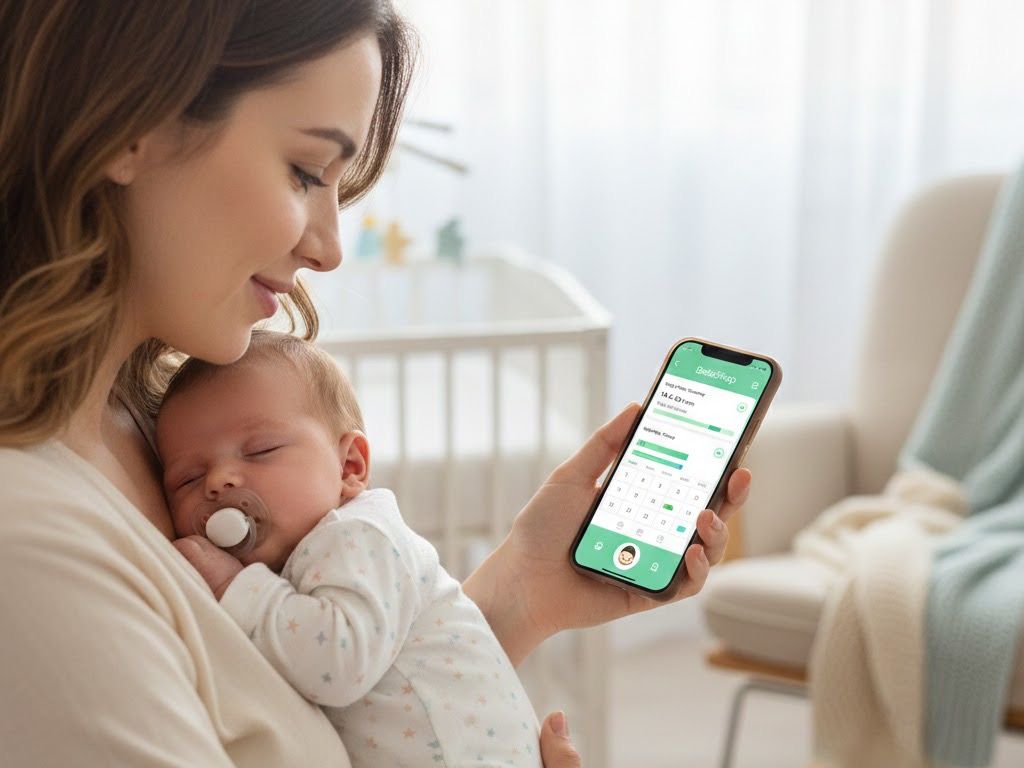
Manage Easier with BebeSnap
Get Started Free"How long did my baby nap today?", "How many times did they wake up at night?", "When did they first sleep through?" Without recording baby sleep, it's hard to remember accurately later. Use BebeSnap sleep tracker to easily record and understand your baby's sleep patterns.
Why Sleep Tracking Matters
There are many benefits to tracking your baby's sleep.
Why you need to track:
- Pattern recognition: Discover your baby's unique sleep rhythm
- Check adequate sleep: Verify if sleep duration matches their age
- Detect sleep regression: Notice when patterns suddenly change
- Doctor consultation data: Provide accurate data when discussing sleep issues
Especially useful for sleep training - records help measure effectiveness.
How to Record Sleep
Basic Recording
Step 1: Tap Sleep Icon
- Tap the Sleep icon on the main screen
- Depending on settings, records immediately or opens detail screen
- If recorded immediately, tap in list to edit
Step 2: Set Start/End Time
- Start time: When baby fell asleep
- End time: When baby woke up
- Use ±5, ±10, ±30, ±60 minute buttons for quick adjustment
Step 3: Select Nap/Night Sleep
- Automatically categorized by time, but
- You can manually select nap or night sleep if preferred
Step 4: Save
- Press the Save button to complete
Quick Recording Tips
When baby falls asleep:
- Record sleep start time first
- Add end time when baby wakes
When baby wakes multiple times:
- Record each separately (e.g., 21:00-01:00, 02:00-06:00)
- Total sleep time calculated automatically in stats
Automatic Nap/Night Sleep Detection
BebeSnap automatically distinguishes between naps and night sleep based on time.
Default settings:
- Night sleep hours: 21:00 ~ 06:00
- Sleep starting in this period is classified as night sleep
- Other times are classified as naps
Changing time settings:
- Adjustable in Settings > Sleep Settings
- Customize to match your baby's pattern
Viewing Sleep Statistics
Today's Sleep Status
View instantly from the main screen:
- Total sleep today: Naps + night sleep combined
- Number of naps: How many naps today
- Last sleep: When baby last woke up
- Next nap estimate: Recommendation based on average pattern
24-Hour Sleep Pattern
View 24-hour graphs in the Stats tab:
- Sleep distribution by hour: When baby sleeps and wakes
- Daily comparison: Compare yesterday and today's patterns
- Average bedtime: What time baby usually falls asleep
Weekly/Monthly Reports
Check long-term sleep trends:
- Daily total sleep time graph
- Night sleep/nap ratio changes
- Average wake-ups (how many times waking at night)
- Sleep-through achievements logged
Recommended Sleep by Age
Check in BebeSnap stats whether your baby is meeting recommended sleep hours.
| Age | Total Sleep | Naps | Night Sleep |
|---|---|---|---|
| 0-3 months | 14-17 hours | 4-5 times | 8-9 hours |
| 4-6 months | 12-15 hours | 3-4 times | 9-10 hours |
| 7-12 months | 12-14 hours | 2 times | 10-11 hours |
| 12-24 months | 11-14 hours | 1-2 times | 10-12 hours |

Setting Sleep Reminders
Set reminders so you don't miss nap times.
How to set up:
- Go to Settings > Notifications, turn Sleep Reminder ON
- Nap reminders based on average awake time
- Or set fixed time reminders
Frequently Asked Questions (FAQ)
Q: What if I don't know the exact time my baby fell asleep?
A: An approximate time is fine. You can tap the record in the list later to edit the start and end time, adjusting quickly with the ±5, ±10, ±30, ±60 minute buttons. Consistent recording is more important than precise recording for spotting your baby's sleep patterns.
Q: Should I record every brief wake-up at night?
A: Record only when your baby fully woke and needed feeding or soothing. Brief fussing before falling back asleep doesn't need recording. If your baby wakes multiple times during the night, record each stretch separately (for example, 21:00-01:00 and 02:00-06:00), and the app calculates total sleep time automatically.
Q: Should I record sleep in the car during outings?
A: Yes, record it as a nap, since BebeSnap counts it toward your baby's total sleep time, which combines naps and night sleep. Sleep starting outside the 21:00-06:00 night window is automatically classified as a nap, so logging car sleep keeps your daily totals accurate.
Q: What is "sleeping through" and how do I check it?
A: Sleeping through means sleeping 6 or more hours continuously at night. When night sleep exceeds 6 continuous hours in your records, BebeSnap marks it as sleeping through, and the date is logged under sleep-through achievements in your weekly and monthly reports so you can track this milestone over time.
Q: How do I delete a sleep record?
A: To delete a sleep record, tap the record in the list, where you can edit or delete it. The same screen lets you correct the start and end time using the ±5, ±10, ±30, ±60 minute buttons if a record was logged incorrectly.
Q: Can family members share sleep records?
A: Yes, using the family sharing feature, your spouse or grandparents can view your baby's sleep records in real time. This lets caregivers see total daily sleep, nap counts, and the next nap estimate without re-entering data, so everyone stays on the same page about your baby's sleep.
Download BebeSnap
Beyond sleep tracking, enjoy feeding logs, AI stool analysis, growth records, family sharing and more features for free.
Manage Easier with BebeSnap
AI stool analysis, feeding & sleep tracking, and health reports in one app.
See what the app does firstYou Might Also Like
BebeSnap Plan Guide: Baby Routine, Schedule, Widget, and Alerts
Manage your baby's daily routine and schedule faster. Complete or skip tasks from widget/alerts, and auto-save parenting logs in one flow.

Newborn Essentials Checklist 2026: What You Really Need vs What to Skip
Overwhelmed by baby registry lists? We sorted 32 true must-haves from 10 items you can skip, organized by category. Plus budget tips to save $500-$1,500 on newborn essentials.
How to Use BebeSnap Family Sharing: Co-Parenting Made Easy
Both parents can check baby records in real-time! Easy connection with invite code, unlimited family sharing. Co-parent with BebeSnap family sharing.