BebeSnap AI Skin Analysis: Baby Acne vs Eczema, Identify with One Photo

Manage Easier with BebeSnap
Get Started FreeNoticed something on your baby's skin but can't tell if it's baby acne, eczema, or diaper rash? With BebeSnap's AI Skin Analysis, you can get possible conditions and care tips from just one photo.
Why You Need AI Skin Analysis
Baby skin issues come in many forms:
- Baby acne - Common at 2-4 weeks old
- Diaper rash - Red patches in diaper area
- Eczema - Itchy, dry patches
- Heat rash - From warm environments
- Various rashes - Multiple possible causes
The problem is these look similar to untrained eyes. The same red rash can require completely different care depending on the cause.
Baby Acne vs Eczema - What's the Difference?
A common source of confusion:
- Baby acne: Appears at 2-4 weeks and usually clears up before age 1
- Eczema/Atopic dermatitis: Lasts 6+ months and appears on face, neck, arms, and legs
If symptoms persist beyond 6 months or appear in multiple areas, eczema may be suspected.
BebeSnap AI Skin Analysis combines your photo with symptom info to provide 2-3 possible conditions with specific care tips for each.How to Use AI Skin Analysis
Step 1: Tap 'Analysis' at the bottom → Select 'Skin' tab at top
Step 2: Tap camera icon to photograph the affected area
Step 3: Answer questions (family history, feeding method, other symptoms)
Step 4: AI provides possible conditions, severity, care tips, and overall opinion
Tips for good photos:
- Use natural lighting
- Center the problem area in frame
- Keep an appropriate distance
- Hold steady to avoid blur
Understanding Your Results
Results show 2-3 possible conditions, each with:
- Condition name - What skin issue it might be
- Severity - Mild/Moderate/Severe
- Symptom explanation - Characteristics of the condition
- Basic care tips - Home care recommendations
Overall Opinion summarizes the situation and whether to see a doctor.
Using Your Results
For Mild Cases
- Follow the suggested care tips
- Monitor and photograph changes over several days
- Re-analyze or visit doctor if no improvement
If Doctor Visit Recommended
- Screenshot your results
- Show the doctor at your pediatric/dermatology visit
- Mention when it started and how it's changed
Frequently Asked Questions (FAQ)
Q: Can it analyze areas other than the face?
A: Yes. The face, body, arms, legs, and diaper area all work: anywhere on the body. Just take a clear photo of the affected area in bright natural light, keeping it centered in the frame and holding steady to avoid blur. The AI then returns 2-3 possible conditions with care tips for each.
Q: What if there are issues in multiple spots?
A: We recommend analyzing each area separately, because even if they look similar, different areas can have different causes. For example, diaper rash and facial baby acne need completely different care. Analyzing spots one at a time lets the AI give 2-3 possible conditions and tailored care tips for each location.
Q: What's most important when taking photos?
A: Bright natural light is key. Photos taken near a window work better than under fluorescent lights because the AI can detect color and texture more accurately. Keep the affected area centered in the frame, maintain an appropriate distance, hold the camera steady to avoid blur, and avoid shadows for the clearest result.
Q: Why do results vary even for the same spot?
A: Results can differ slightly based on lighting and angle, since the AI reads color and texture from your photo. Using consistent shooting conditions (the same bright natural light, distance, and angle each time) helps you track changes more accurately over the several days you monitor and photograph the affected area.
Q: Can I use it if my baby already has a diagnosis?
A: Absolutely. It's actually useful for tracking treatment progress. After applying a prescribed ointment, analyze the same area again a few days later to see whether it's improving. Screenshotting each result and noting when symptoms started gives you a clear record to show your pediatrician or dermatologist at the next visit.
Basic Baby Skin Care Tips
General tips for healthy baby skin:
- Moisturize - Apply within 3 minutes after bath
- Gentle products - Choose fragrance-free, hypoallergenic
- Right temperature - Not too hot or cold
- Breathable clothes - Cotton recommended
- Frequent diaper changes - Moisture causes problems
Manage Skin Health with BebeSnap
What BebeSnap AI Skin Analysis offers:
- Photo-based possible condition identification
- Severity assessment and care recommendations
- Doctor visit guidance
- Track changes with saved records
AI Skin Analysis not found in other baby apps - try it free on BebeSnap now.
References
Manage Easier with BebeSnap
AI stool analysis, feeding & sleep tracking, and health reports in one app.
See what the app does firstYou Might Also Like

BebeSnap Plan Guide: Baby Routine, Schedule, Widget, and Alerts
Manage your baby's daily routine and schedule faster. Complete or skip tasks from widget/alerts, and auto-save parenting logs in one flow.
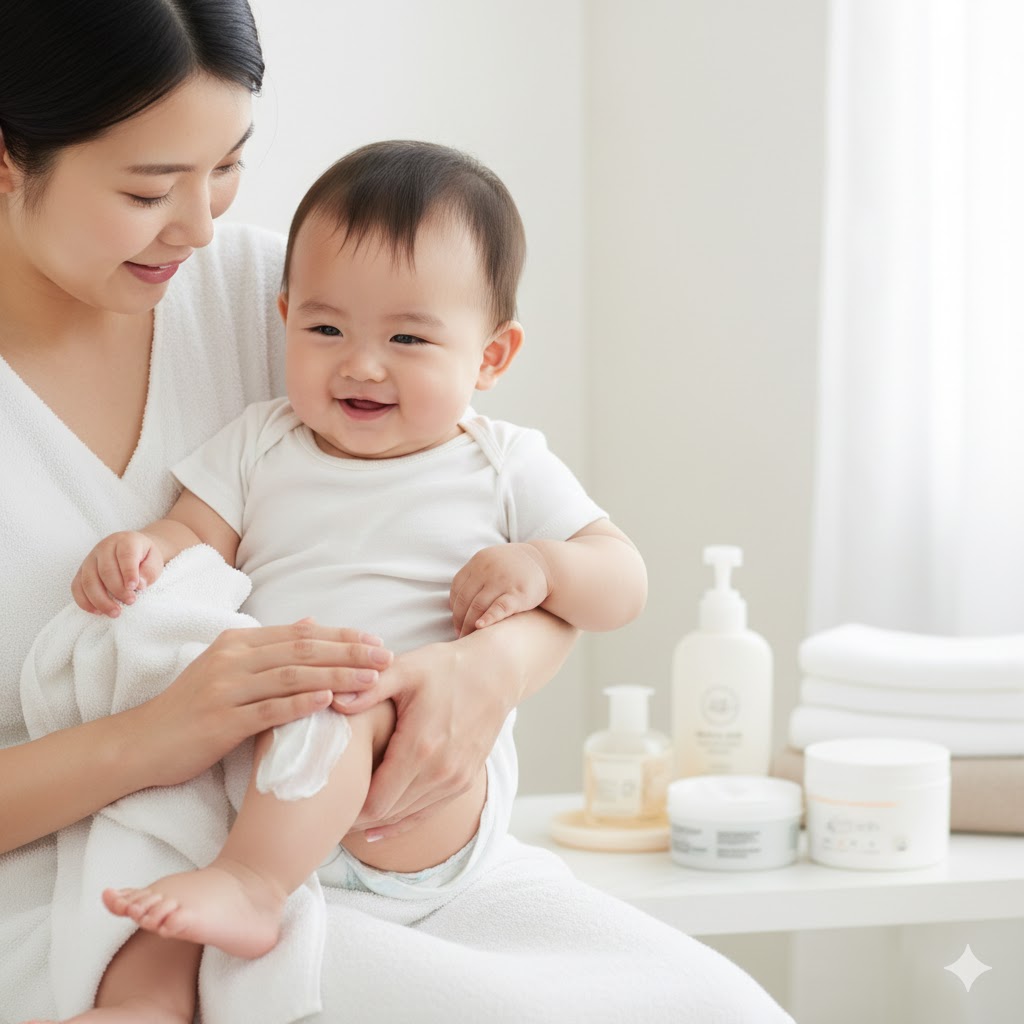
Baby Skin Moisturizing Guide: Preventing Dryness and Proper Product Use
Baby skin is thinner than adult skin and dries out easily. Learn proper moisturizing techniques and how to choose a moisturizer for dry and eczema-prone skin.
Baby Poop Analysis Apps Compared and How to Use BebeSnap AI
Five ways to check baby poop, compared: color charts, pick-a-color web checkers, tracking apps, and AI photo analysis. Plus how to use BebeSnap, and which stools (white, gray, pale yellow) need a same-day call whatever an app says.